 Memory Notch
MEMORY NOTCH BLOG
Why your meeting notes don’t need the cloud
A meeting recorder can transcribe on the computer that captured the audio. Here is what that buys you, what it costs, and how to check it.
Published September 28, 2026 · The Memory Notch team
Where the audio usually goes
Most meeting tools that transcribe or summarize a conversation do the work on a server. That isn’t a flaw in itself: large models run well with more compute than a laptop has. But it means a copy of your audio leaves the room. Some tools say so plainly; with others you find out by reading the privacy policy closely.
A bot that joins the call is the most visible version. A desktop app that uploads your audio in the background is the same pattern without the extra attendee.
What changes when it stays on your Mac
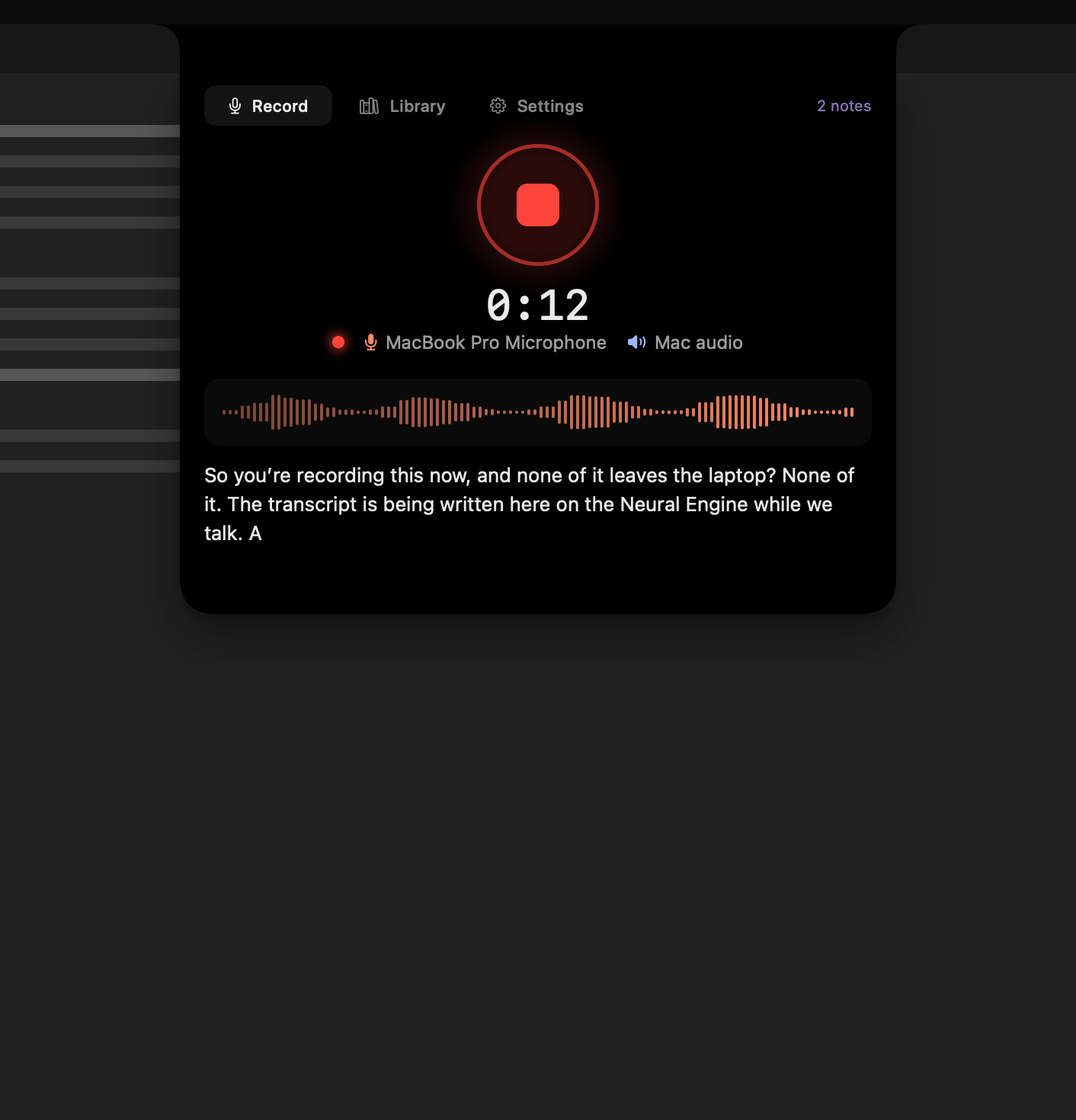
Memory Notch records your microphone and your Mac’s audio, transcribes it and labels the speakers on your Mac, using models that ship inside the app. The conversation never needs a network connection, and you can check that yourself: turn off Wi-Fi and record.
A sensitive conversation then stays exactly as private as your Mac already is. The disk encryption, backups and access controls you trust for your other files also cover your recordings, because they are ordinary files in ~/memory.
The trade-offs
Keeping everything local has costs. There are no automatic summaries. Library search looks at note titles and metadata, not every spoken word. There is no shared team workspace or CRM sync, so if you need those, a cloud tool may be the better fit. Memory Notch is built for one person keeping their own notes.
The app does make a few network requests, and none of them carries a recording: it downloads a signed list of revoked licences, checks once a day for a new version (you can turn this off in Settings), and downloads an update only when you choose to install one. Our privacy policy lists every request.
Frequently asked questions
Does Memory Notch ever upload my audio?
No. Recording, transcription and speaker labelling run on your Mac, using models bundled with the app. Your audio, transcripts and notes are never sent to XY Space or to any third party.
Can I use Memory Notch with no internet at all?
Yes. Recording, transcription, your library and licence checks all work offline. You need a connection to download the app and to install updates.