 Memory Notch
THE DETAILS
A little app.
Here’s what it needs.
Requirements and capabilities for the current Memory Notch experience.
Requirements
- Apple Silicon and macOS 26 or later. Intel Macs and other operating systems are not supported.
- A notch is optional. On other displays, the panel appears as a capsule below the menu bar.
- About 1.6 GB to download. Models are included. Allow additional space for installation and recordings.
- Recording and transcription work offline. Licence checks, update checks, update downloads, and model recovery use the network.
Record, revisit, and adjust.
- Record: a large start/stop control, live transcript, microphone selection, system audio, and optional screen capture.
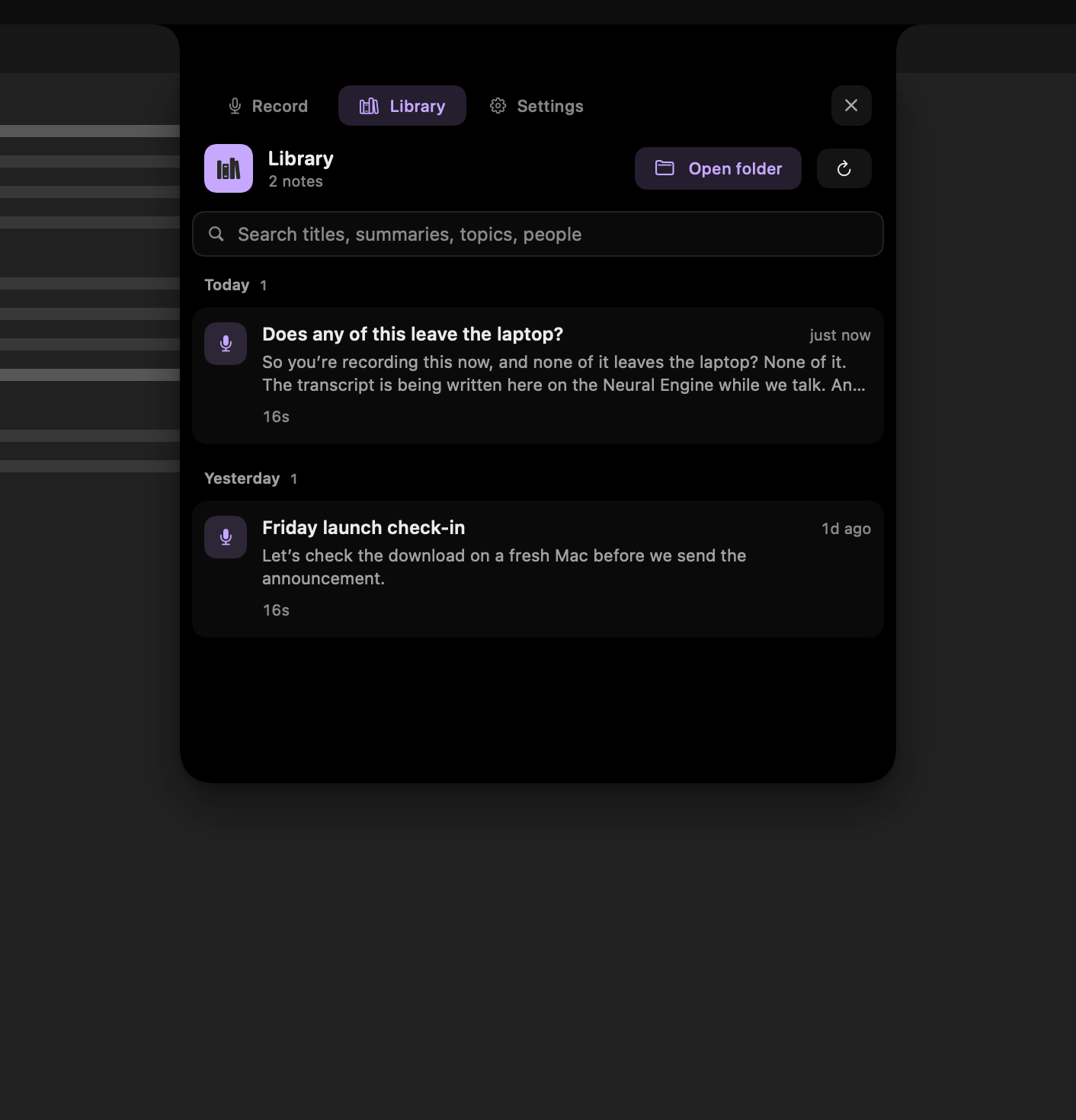
- Library: local recording cards, title and metadata search, numbered speaker turns, playback, transcript copying, and file access.
- Dictation: double-tap either ⌘ key in any app, say one phrase, and it’s pasted where your cursor is after two seconds of quiet. On-device, free with or without a licence, and never saved as audio. How dictation works.
- Settings: Permissions, microphone, dictation on or off, login and menu-bar preferences, licence, updates, and model recovery. Enable “Glow while recording” for a halo when the panel is folded away.
Trial and licensed use
Trial recordings stop at five minutes and save everything captured. A US$79 one-time licence removes the limit on covered versions, for up to five personal Macs, with one year of updates. Covered versions stay unlimited. Read the licence agreement.
Permissions
The welcome tour walks you through setup. Microphone access is needed for your voice; Screen Recording permission enables system audio and optional screen capture. Follow any relaunch prompt after granting access. Grant speech-recognition access if macOS requests it for the selected transcription path. Accessibility permission is needed only for dictation: it lets Memory Notch notice the double-tap of ⌘ (and Esc while you dictate), paste the words, and find the text cursor. The app does not record or log keystrokes, and everything else works without it.
Models and performance
Release installers bundle the local model files. Transcription and speaker processing run on-device. Settings reports model readiness and offers recovery for missing files. Model choices are managed by the app, not a plug-in marketplace.
Memory and processing time depend on the recording, selected path, and Mac. We are not publishing the previous version’s memory benchmarks as measurements of this release.
Ordinary files, kept together.
~/memory/
  README.md
  vocabulary.md
  notes/
    2026-09-16-0941-note-id/
      2026-09-16-0941-note-id.md
      2026-09-16-0941-note-id.txt
      2026-09-16-0941-note-id.m4a
      2026-09-16-0941-note-id.mov  (optional screen capture)
The Markdown file contains metadata, with paths to the transcript and media. The store’s README describes the layout. Files remain usable independently of the app. Give other tools access only to notes you want them to read.
Know the limits.
- No automatic summaries, team workspace, CRM sync, or full-transcript library search.
- Speaker labels are numbered, not named identities. Overlapping voices or several people on one microphone can be difficult to separate.
- Keep the display awake for system audio capture. With AirPods, use the Mac’s built-in microphone.
- Headphones help avoid the microphone picking up the other person twice.
- Dictation types one phrase per double-tap, has no voice commands, is unavailable during a recording, refuses password fields, and is Mac only.
- Transcription can contain errors. Check the original audio when precision matters.
- Not a clinical documentation system; no BAA, EHR integration, or HIPAA claim.