 Memory Notch
ON YOUR MAC
Keep recording.
Even offline.
Memory Notch records, transcribes, and labels speakers on your Mac. Your recordings do not need to travel to a transcription service.
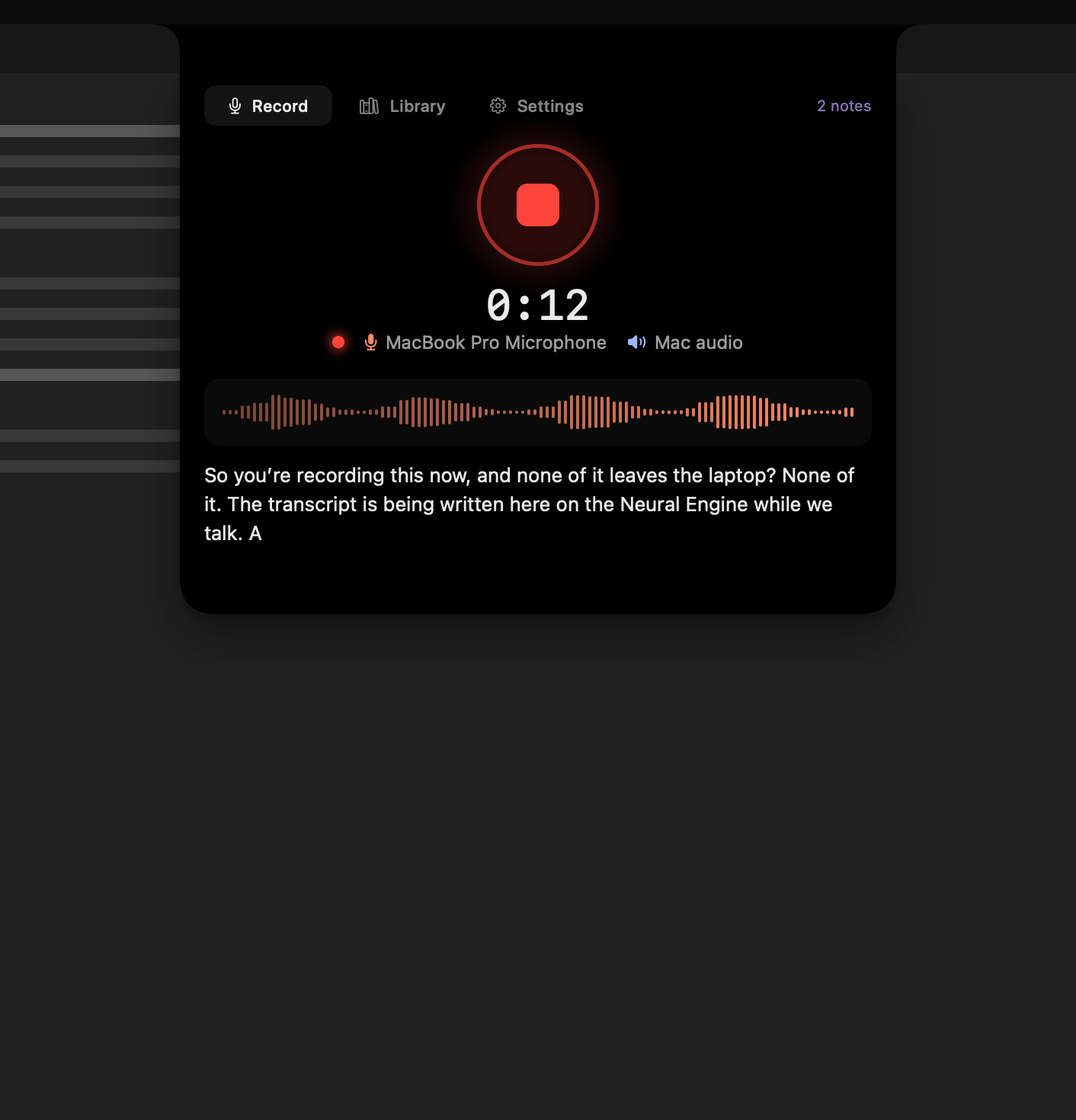
Start with a complete installation
The release installer includes the app’s models, which is why the download is about 1.6 GB. Follow the welcome tour and grant the permissions you need. If a bundled model is missing from an incomplete installation, Settings offers a recovery download.
What works without a connection?
Recording, transcription, speaker labelling, and your local library. Each recording is saved with its audio, transcript, and Markdown note. A paid licence is checked locally and does not require signing into the app.
What still uses the network?
The app periodically checks a signed list of revoked licences and checks for new releases. Automatic update checks can be turned off. Downloading an update or recovering a missing model also needs a connection. None of these requests includes your recordings. See the privacy policy for details.
Clear audio still matters.
Transcripts and speaker labels can contain mistakes. Noise, overlapping voices, and unfamiliar words can affect the result. Speaker labels are numbers, not verified identities. Review the original audio when accuracy matters, and add names or jargon to your vocabulary file.
Try your real setup.
Make a short test recording before an important call. Confirm your microphone and system audio are present, keep the display awake, and check playback. With AirPods, select your Mac’s built-in microphone for capture.